Reuse Risks Across Projects with the Risk Library
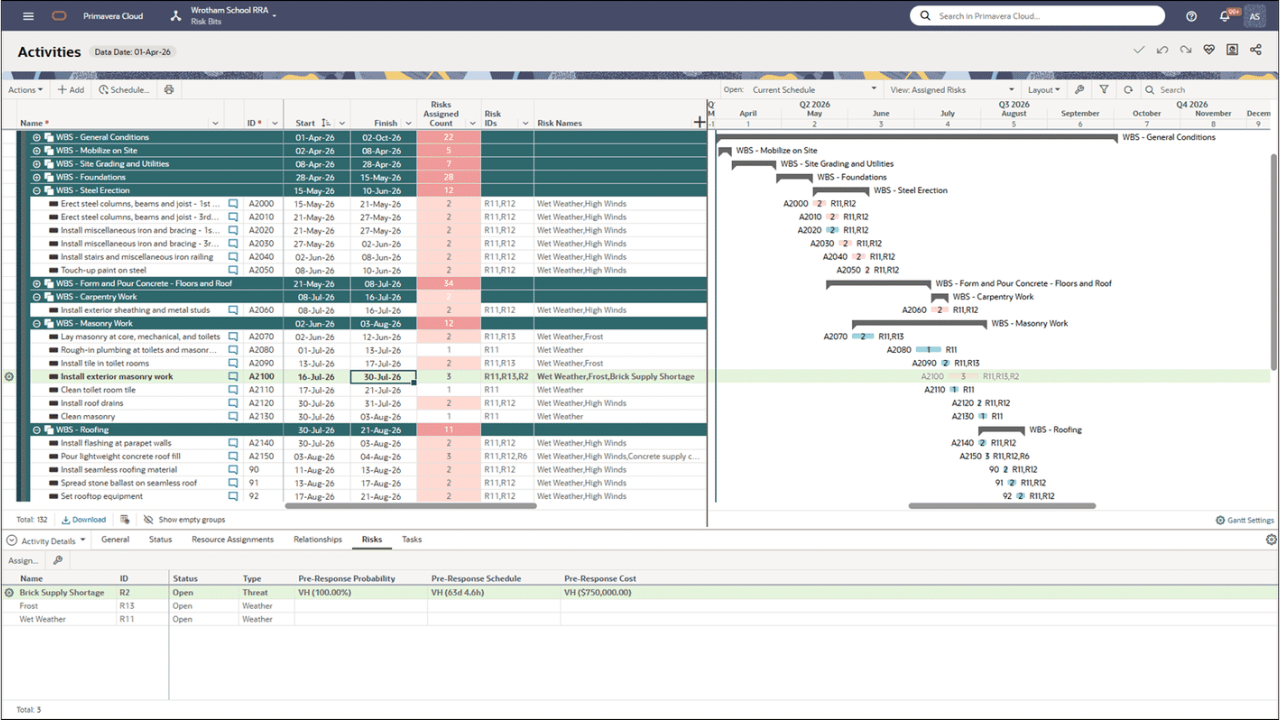
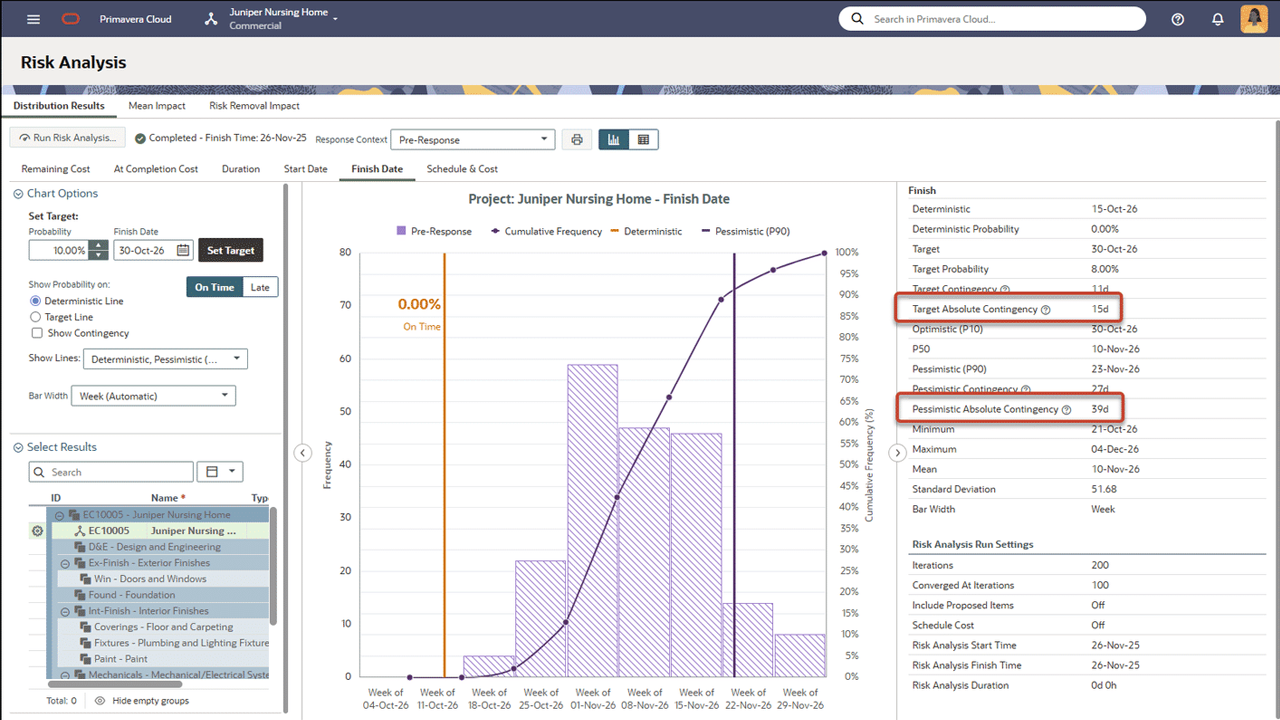
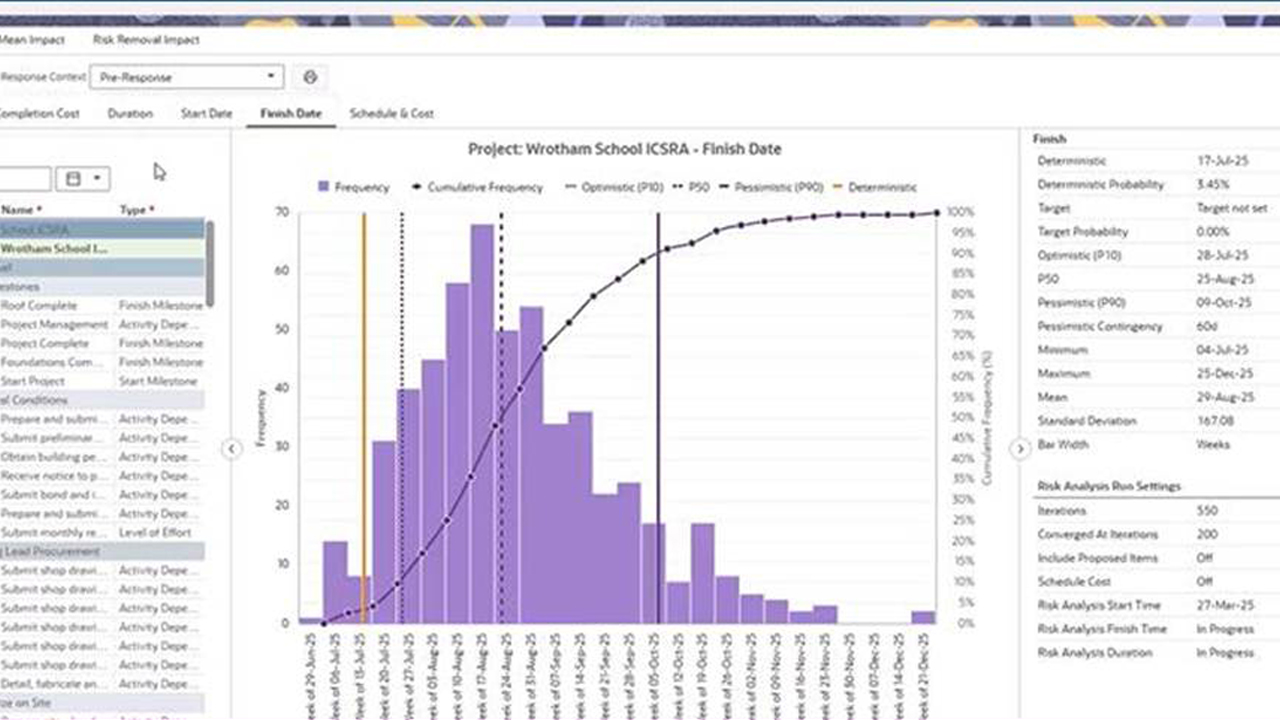
Use the new Risk Library to create and manage risks at the workspace level. Create new risks for the library or add existing project risks. Then use the library to populate project risk registers with standardized risks, instead of creating them separately for each project. The library also provides increased visibility into how risks are used across projects, and lessons learned, such as successful response actions.
Resources
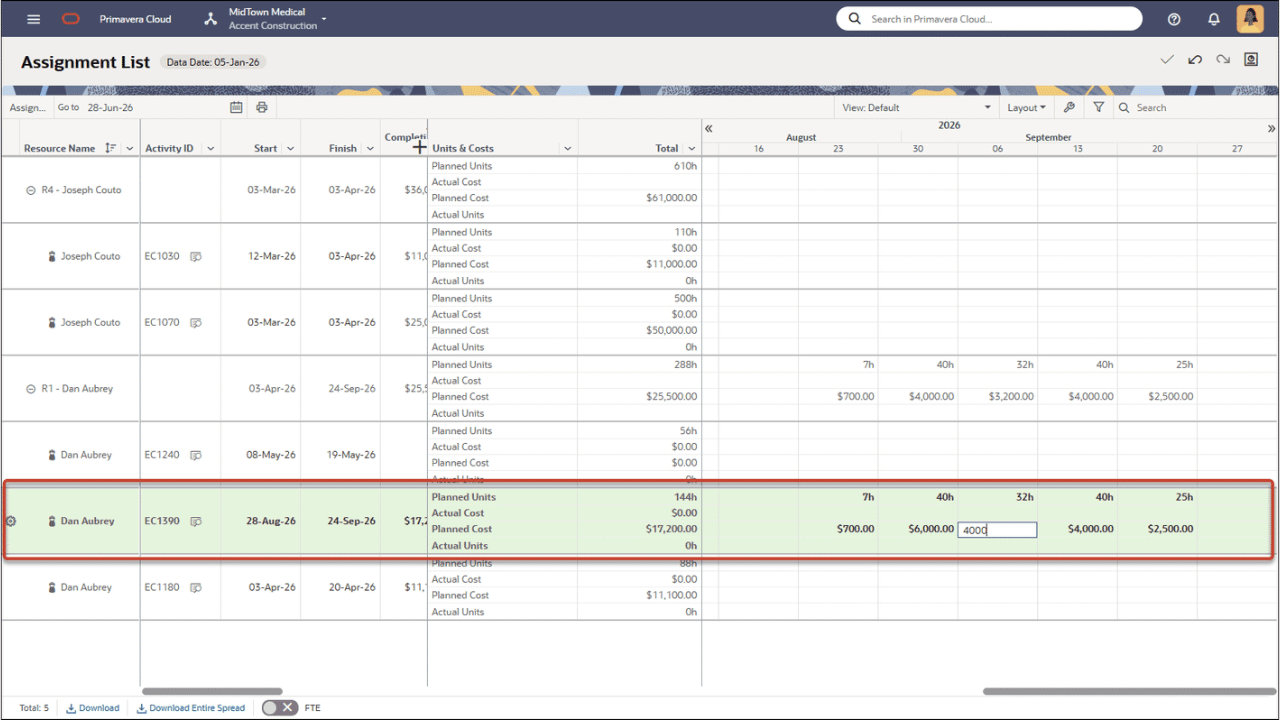
Perform Future Period Planning on Costs Linked to Units
Use the Assignment List page to plan future period costs for resource assignments that use the Calculate Costs from Units setting. Update buckets, manage manual cost curves, and adjust planning ranges to keep projected costs aligned with the planned work and cash flow.
Schedule
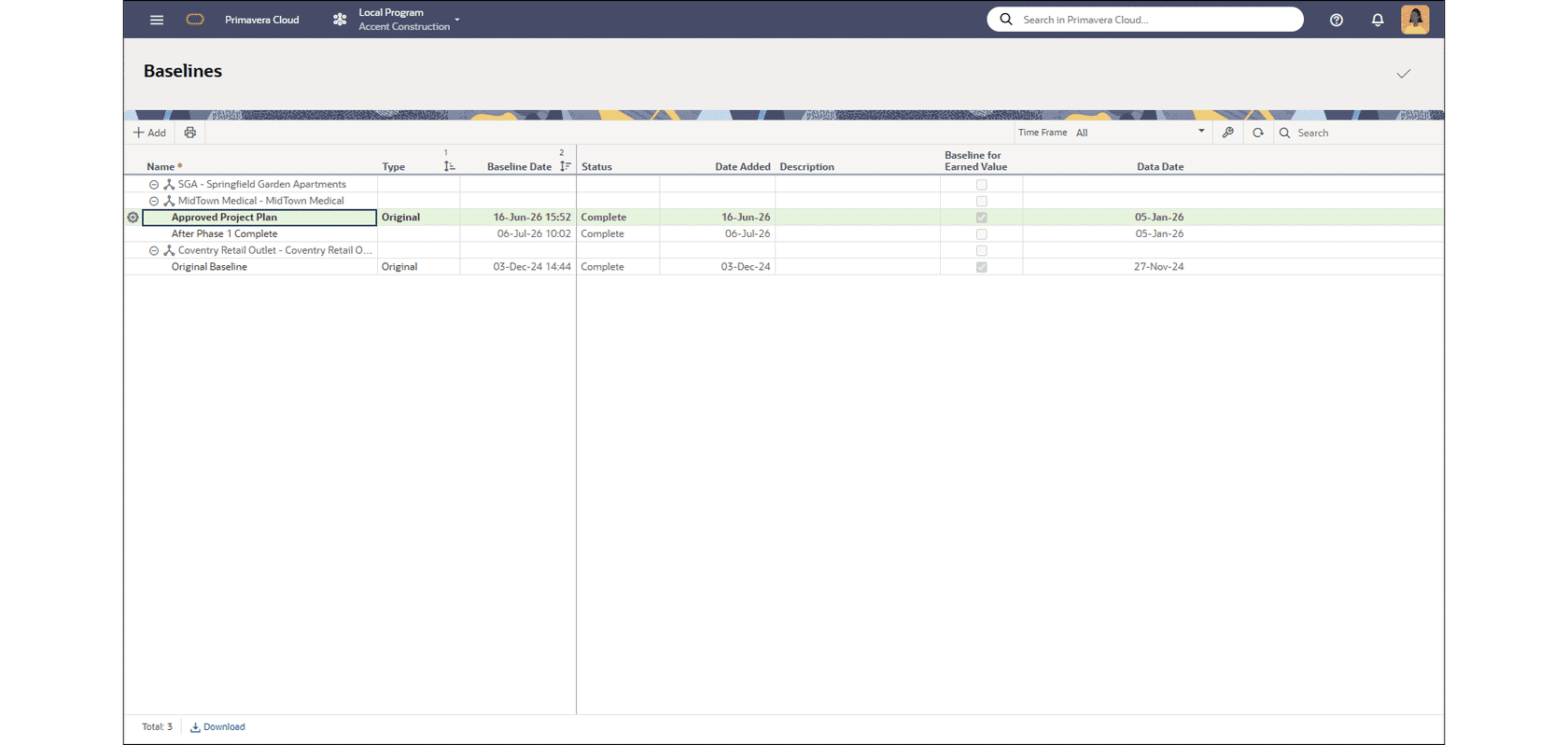
Manage Baselines at the Program Level
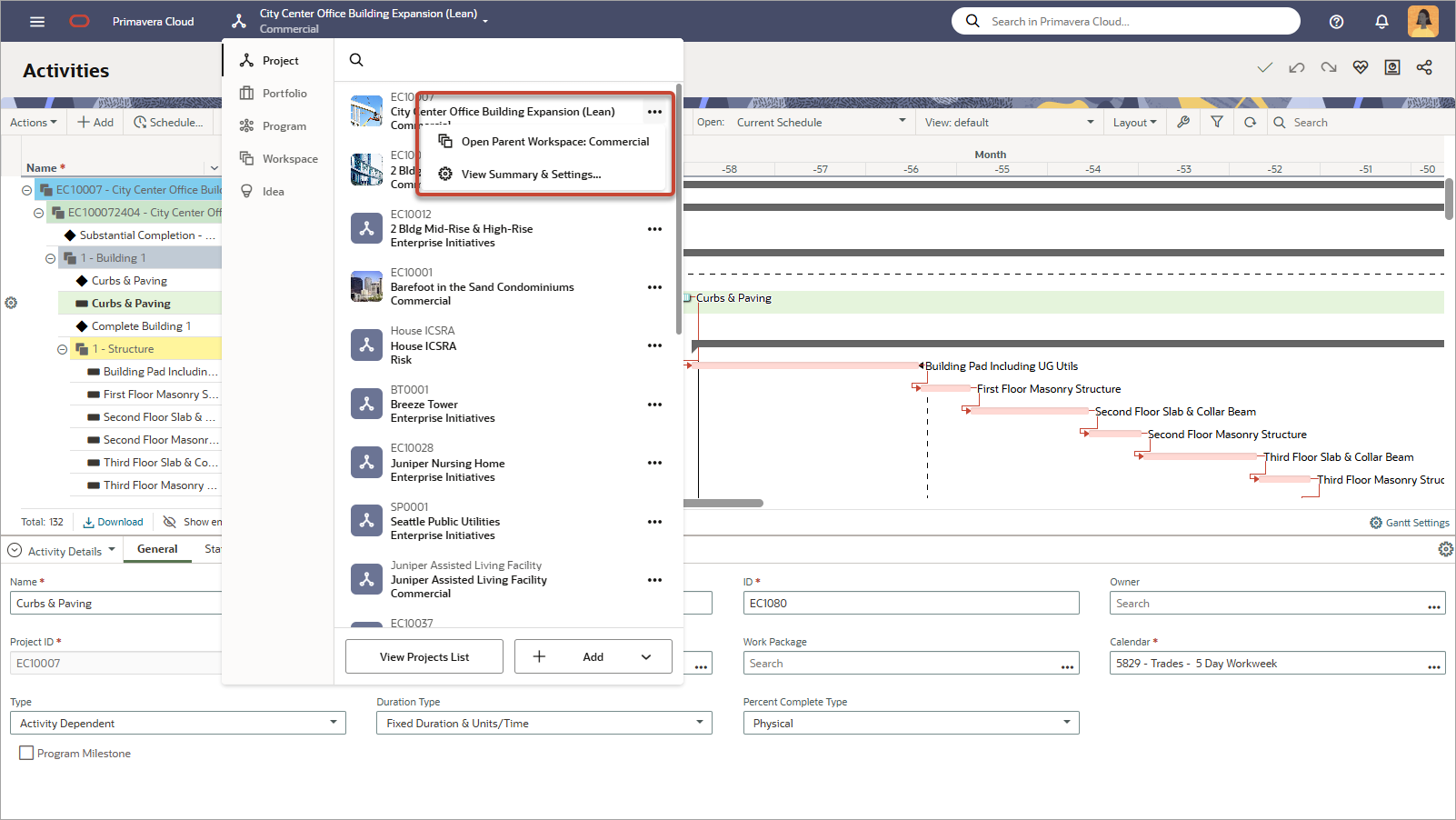
Use the Activities and Baselines pages to add, delete, and update baselines for all projects in a program. This allows you to streamline baseline creation and tracking across multiple projects, and apply consistent baseline management across projects in a program.
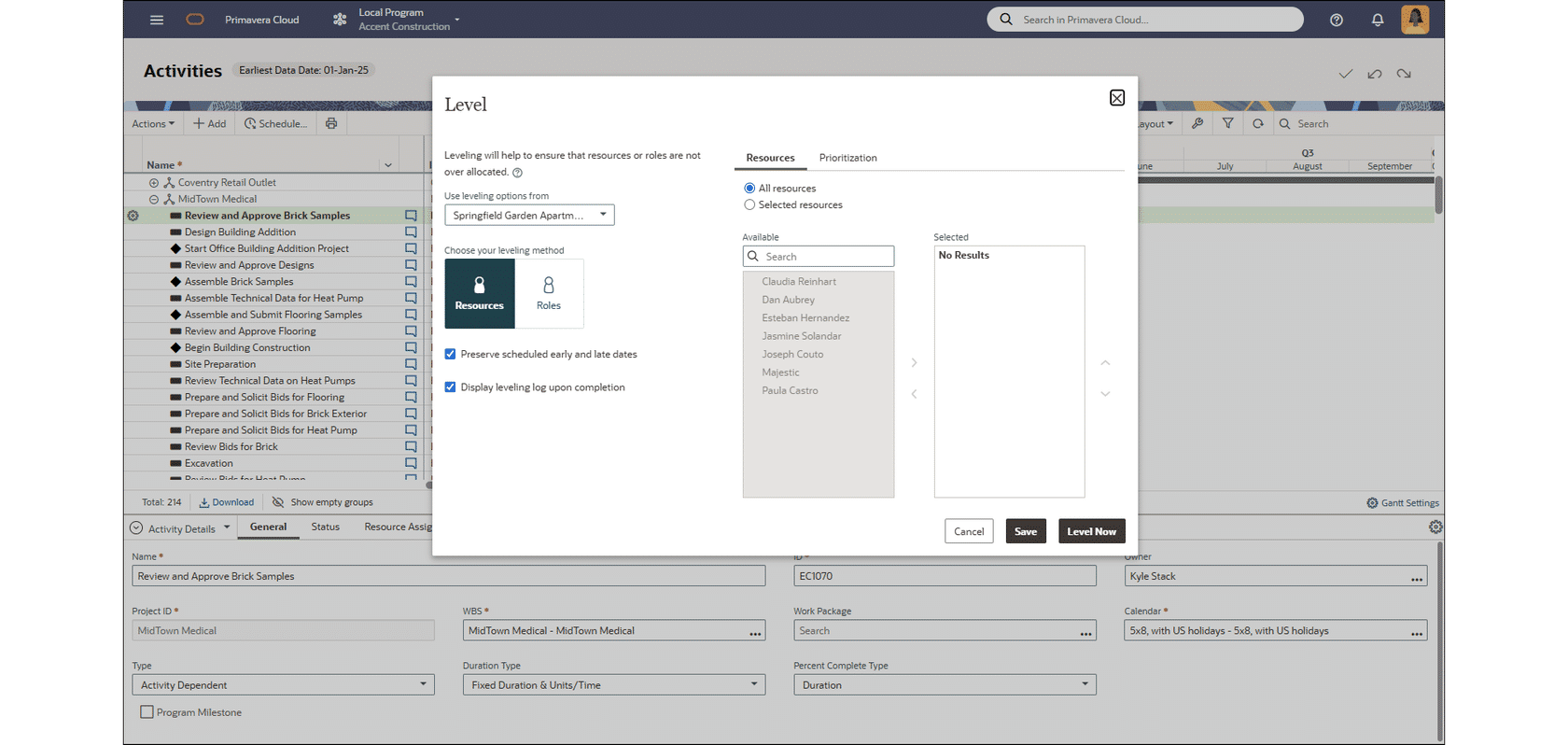
Level Resources for All Projects in a Program
Open a program, then use the Activities page to level resources for all its projects. Use leveling settings from a selected project or configure as needed. Reuse leveling settings for future runs to produce consistent leveling outcomes across related projects.
Additional Features
Please click on the item to learn more.
Workspace Configuration Import and Export Now Run as Background Jobs
After initiating a workspace configuration import or export, the job will continue to run in the background. This provides a better user experience and prevents import and export errors.
Additional Cash Flow Fields Available for Project Forms
Grant workflow performers additional control over project cash flows by adding the Calculate Financials, Use Planned Budget as Cash Outflow, and Overwrite Forecast when Actuals is Null under Link Forecast to Actuals fields to a project form.
System Emails are now DMARC Compliant
Email messages from Primavera Cloud now originate from the noreply@primavera.opc.construction.ocs.oraclecloud.com address. This makes them DMARC compliant, increasing the likelihood they will pass through email security protocols.
Application Administrators No Longer Automatically Assigned Task and Progress Licenses
For organizations using named licensing, users designated as Application Administrators will no longer automatically be assigned Task Management and Progress licenses, as these are included with their Schedule licensing.