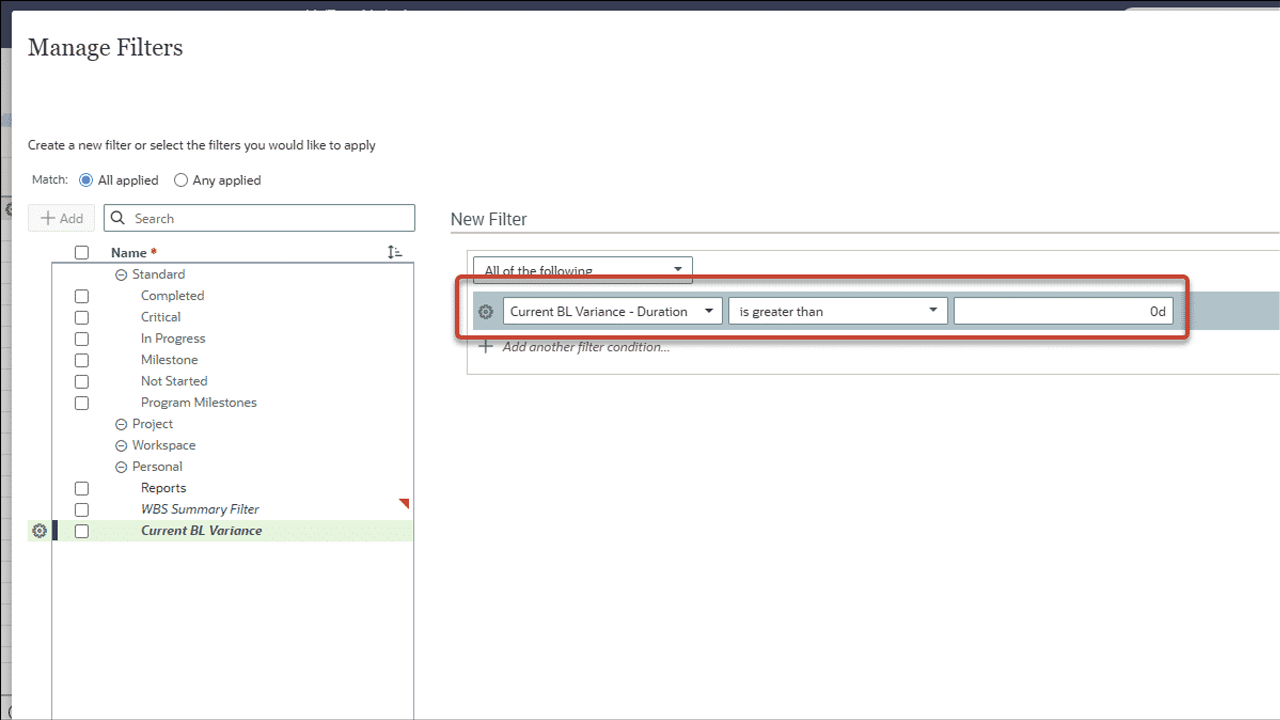
Filter Activities Using Baseline Variance
On the Activities page in Schedule, you can now add filters for baseline duration, units, and cost variance. For example, display only activities with a baseline duration variance greater than zero, to identify activities behind schedule. Original, current, and supplementary baseline values are available to use in filters.
Export Schedule Health Details
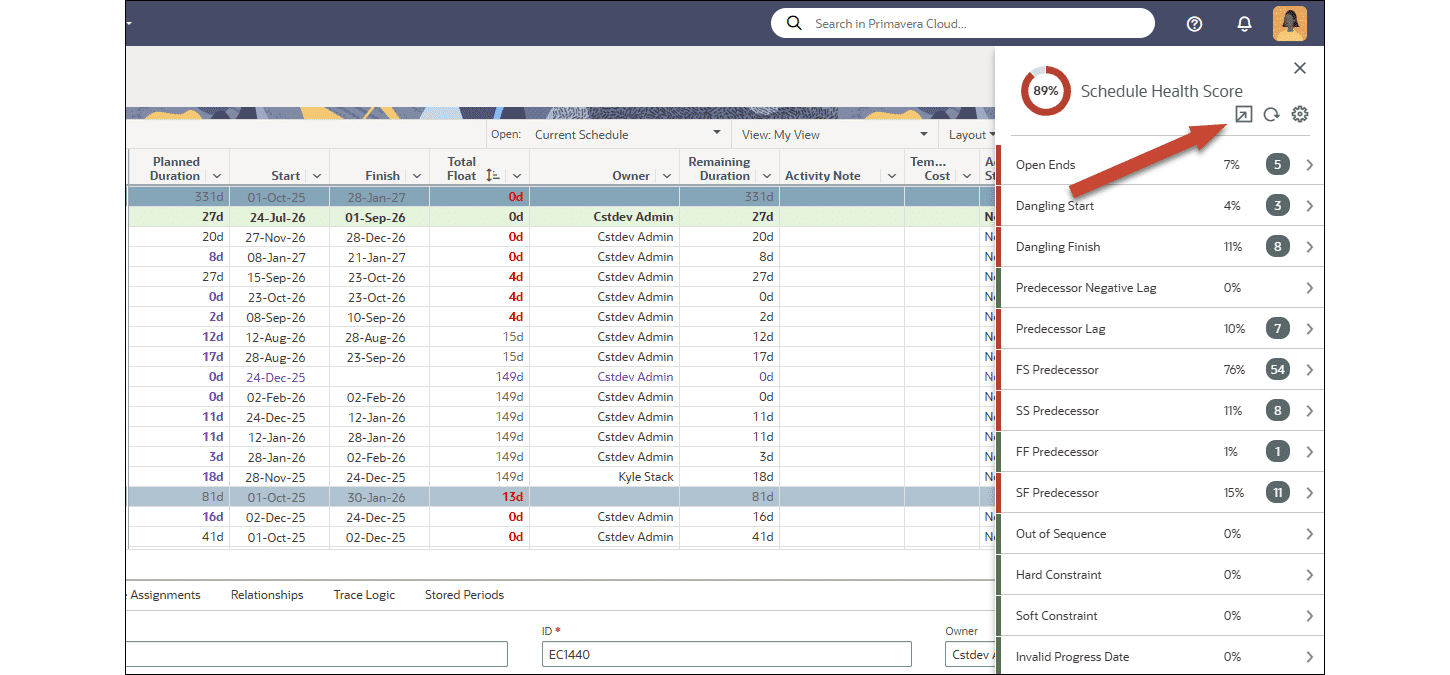
In the Schedule Health panel on the Activities page, click the new Export button to download a spreadsheet with schedule health check results. The export includes details such as the score, health check settings, and number of activities for each check.
Tasks
Configure Task Cards at the Project Level
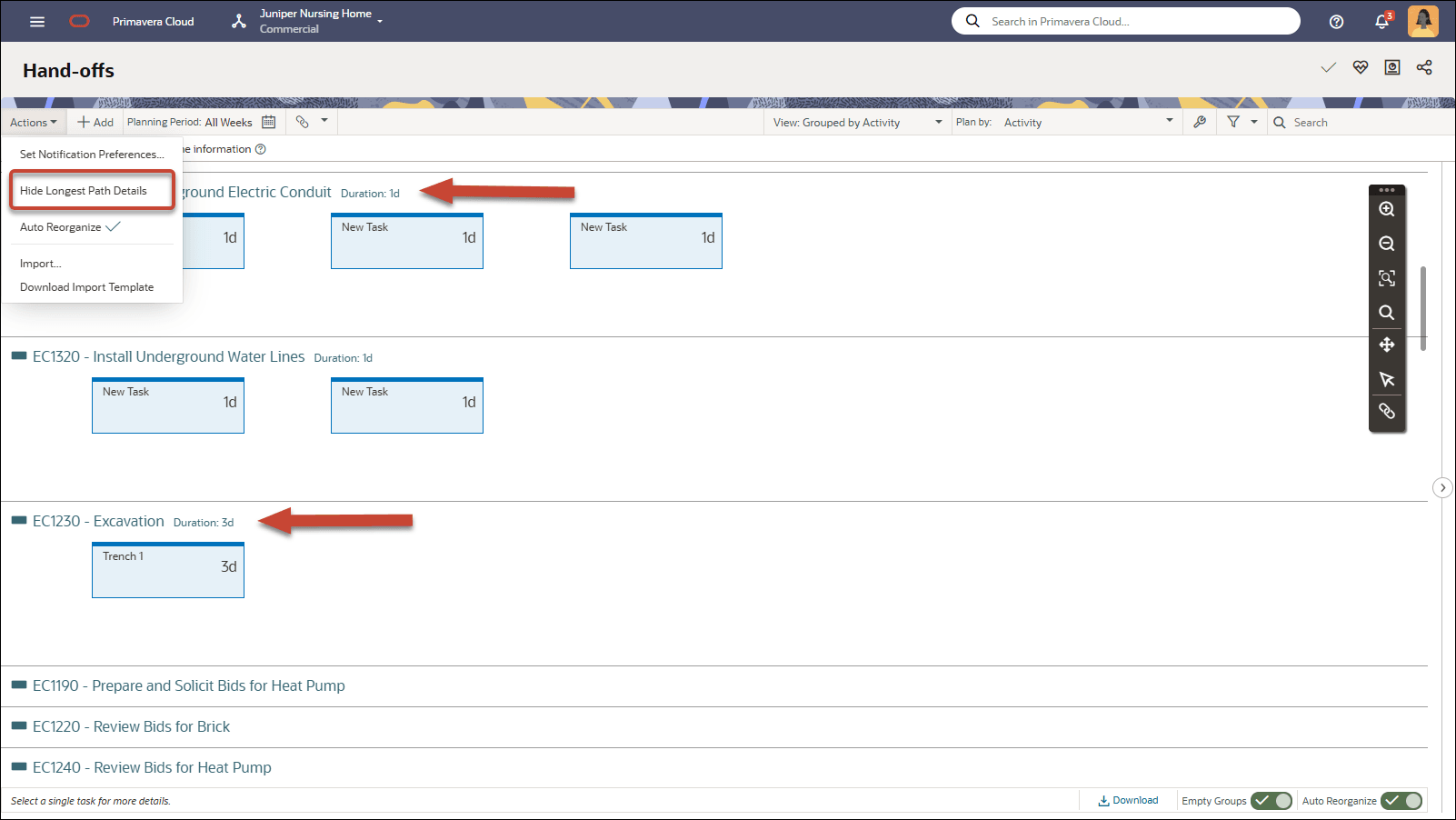
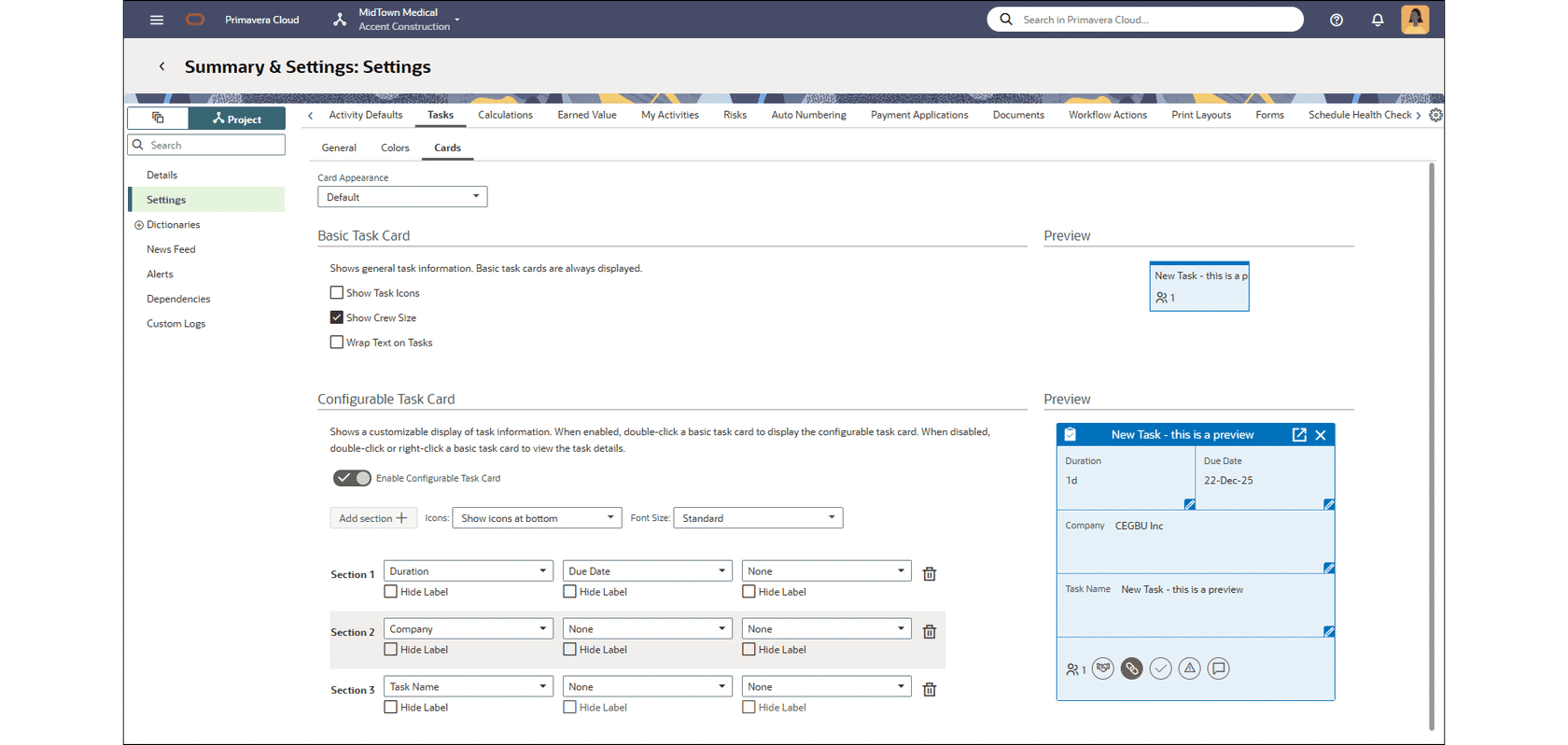
Task card settings have been moved from the Work Plan and Hand-off view settings to the Project Summary and Settings. Configure task card settings at the project level so they are consistent for all users and views.
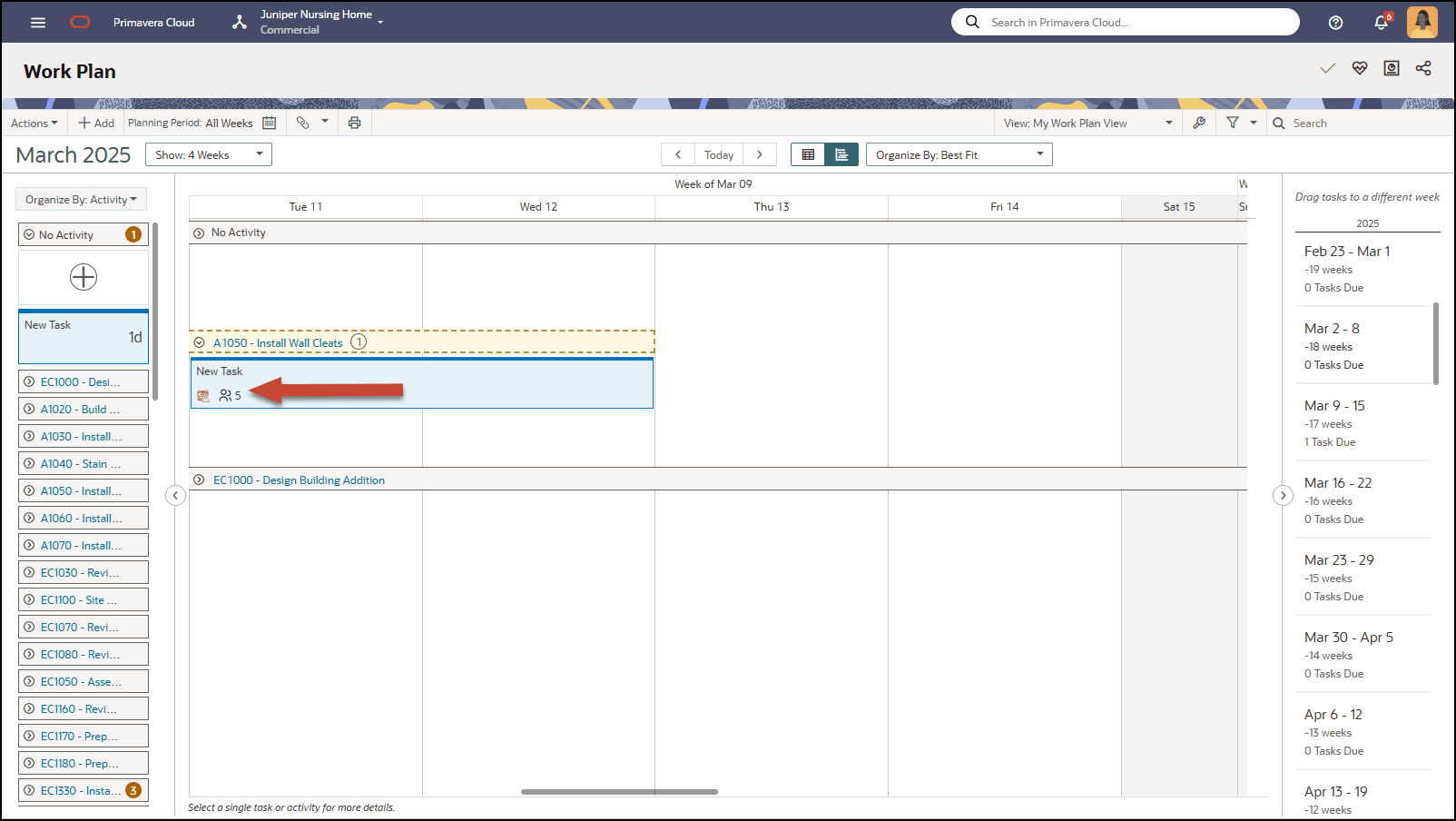
Display Empty Activity Bands in Task Swim Lanes
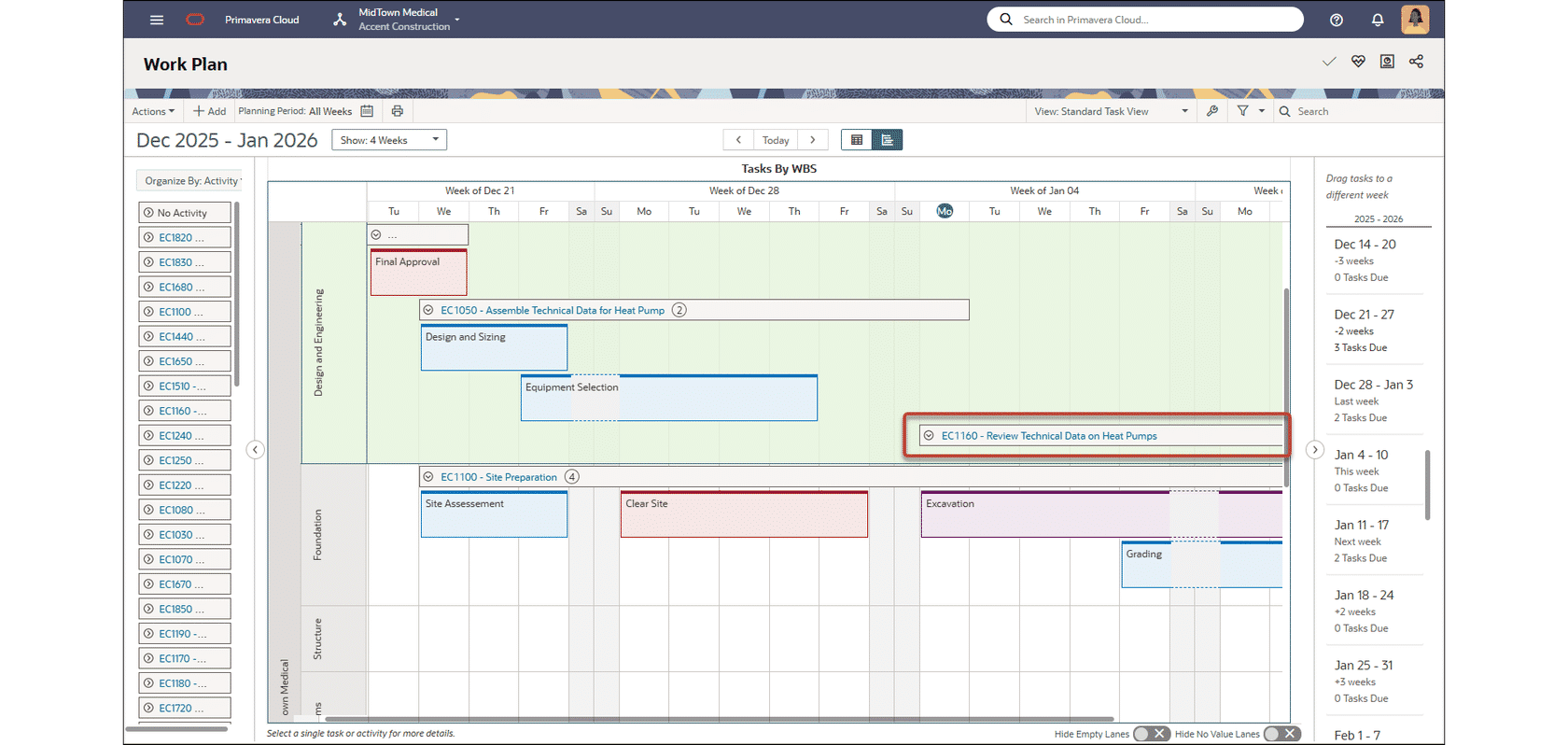
Task swim lanes on the Work Plan page now support empty activity bands. Streamline task planning by dragging and dropping a task into an empty band to automatically change its activity assignment.
Portfolios
Add Program Evaluation Categories to a Portfolio Scorecard
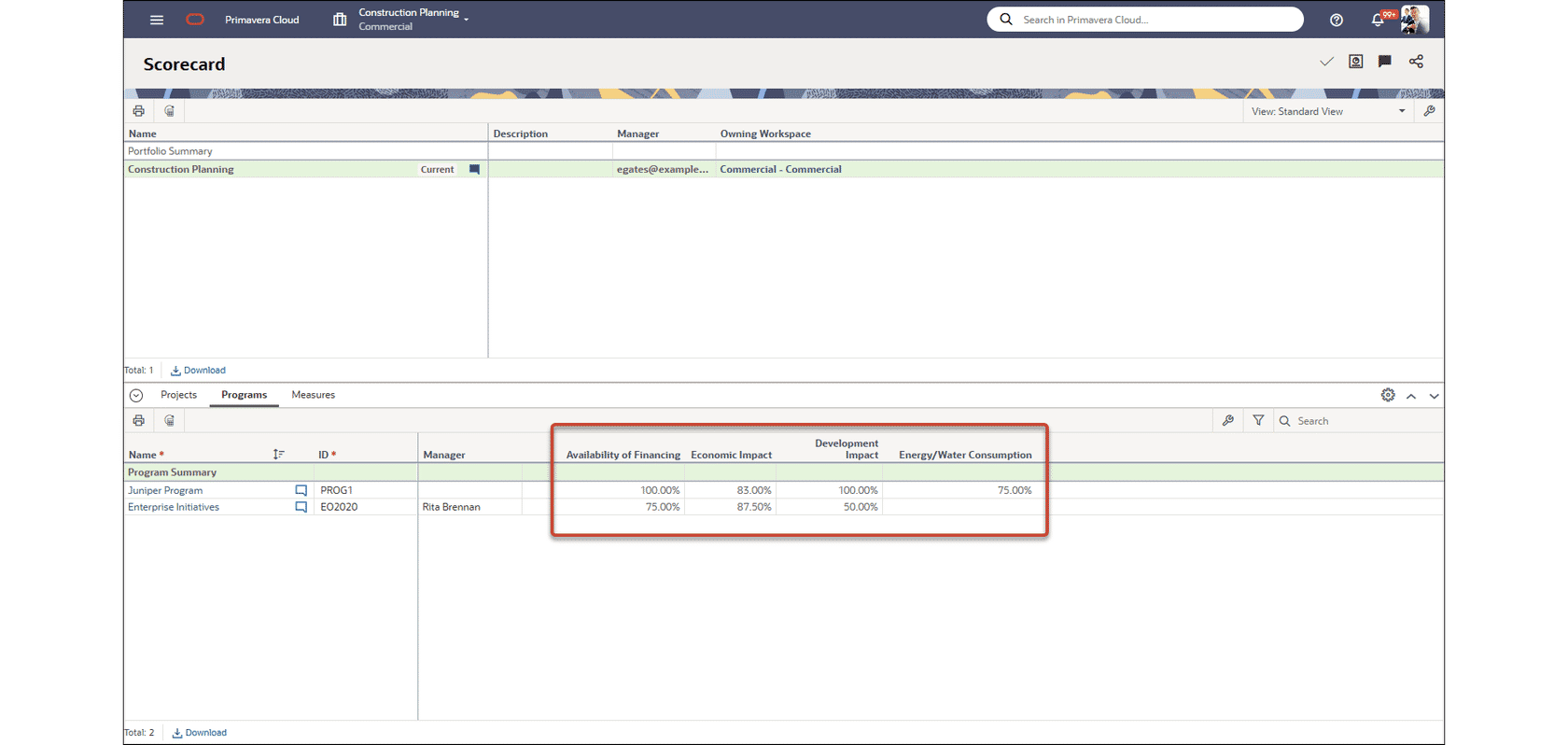
You can now add evaluation category columns on the Programs tab of the Portfolio Scorecard. Assess programs in the portfolio using the same evaluation category details as on Projects tab, with filtering available by evaluation category values.
Projects
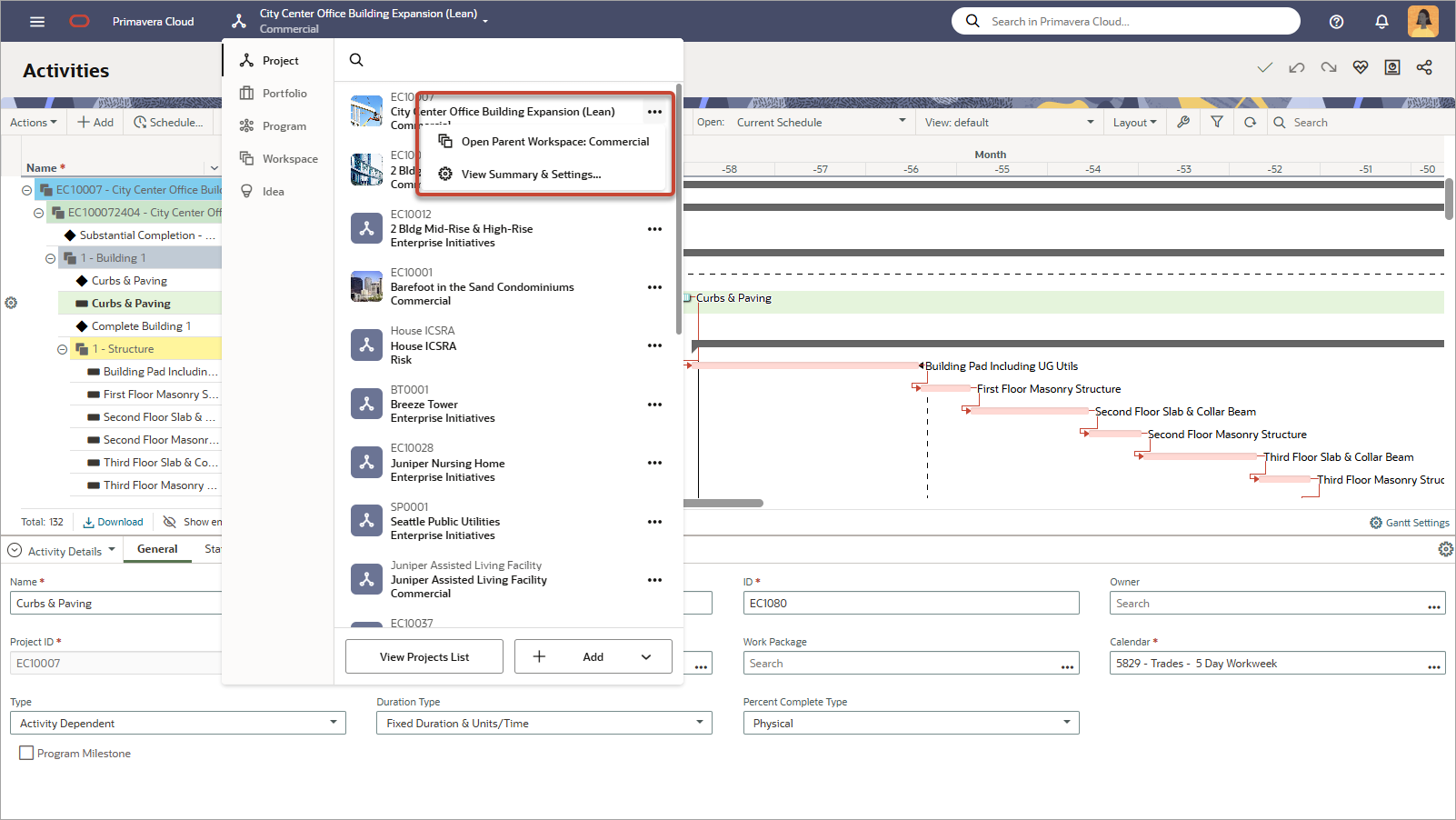
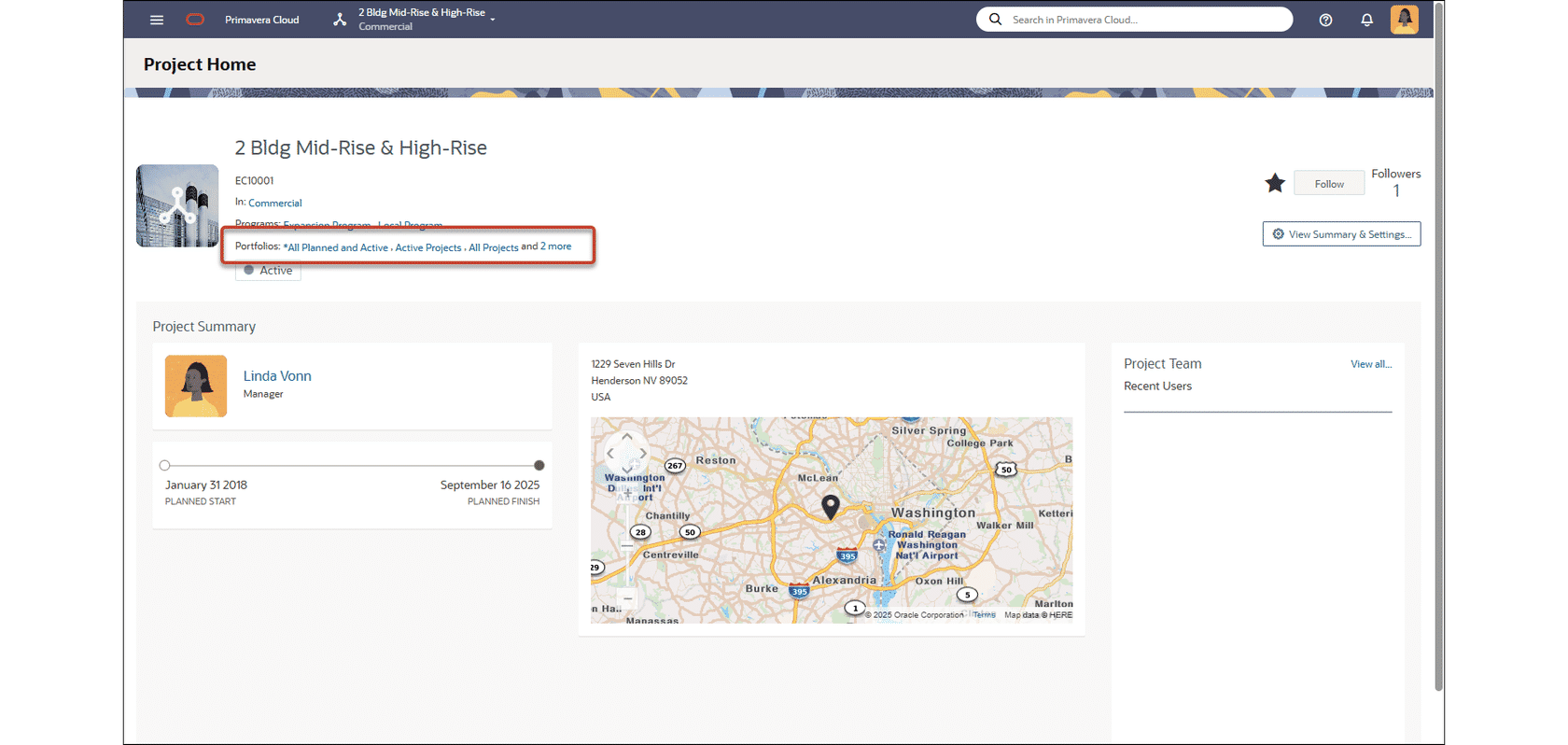
View the Portfolios a Project Belongs to on its Home Page
The Project Home page now includes the list of portfolios the project belongs to. Easily identify the portfolios a project has been added to without performing a manual search.
Additional Features
Learn More
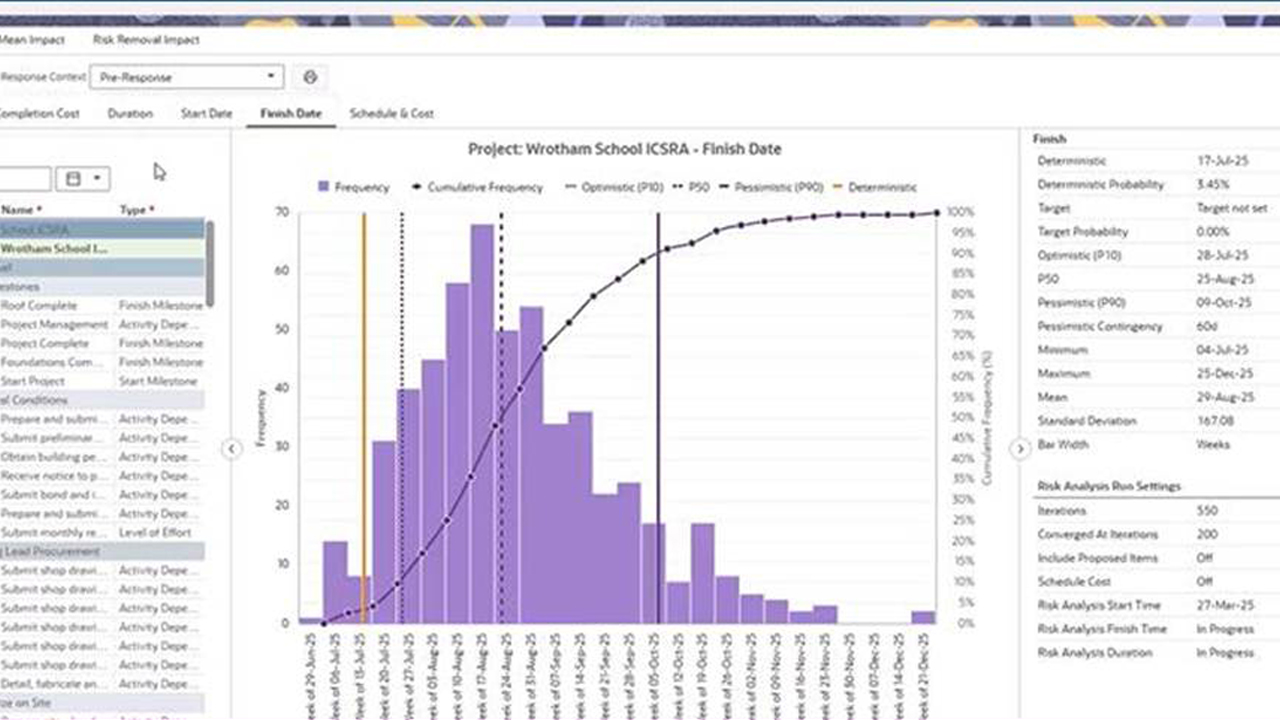
Increase to the Project Size Limit for a Risk Analysis
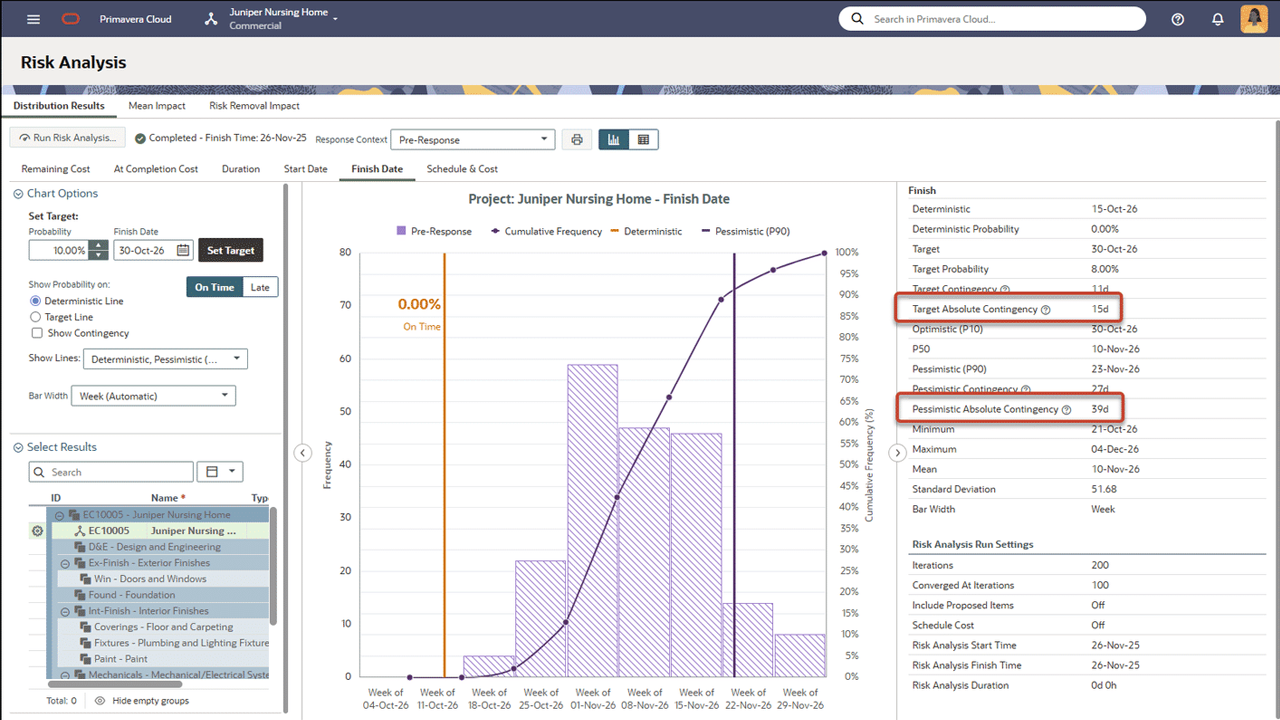
You can now run a risk analysis on projects with up to 60,000 activities. Note that this size limit is not allowed by default, and you must submit a service request to have the limit increased for your organization.
Edit Existing Relationships Between Configured Fields
In the Project Defaults and Options, fields with an existing relationship will now appear in the Related Configured Field drop-down. Select fields with an existing relationship to edit the relationship details.
Enhanced Report Status Details
The following enhancements have been added to the Reports List page:
The Last Runs detail window now includes Start Time, Finish Time, and Run Status columns.
Failed reports are now displayed in the Last Runs detail window.
A refresh button is present on the Last Runs and Schedule detail windows, allowing the status of a report to be refreshed without refreshing the entire page.